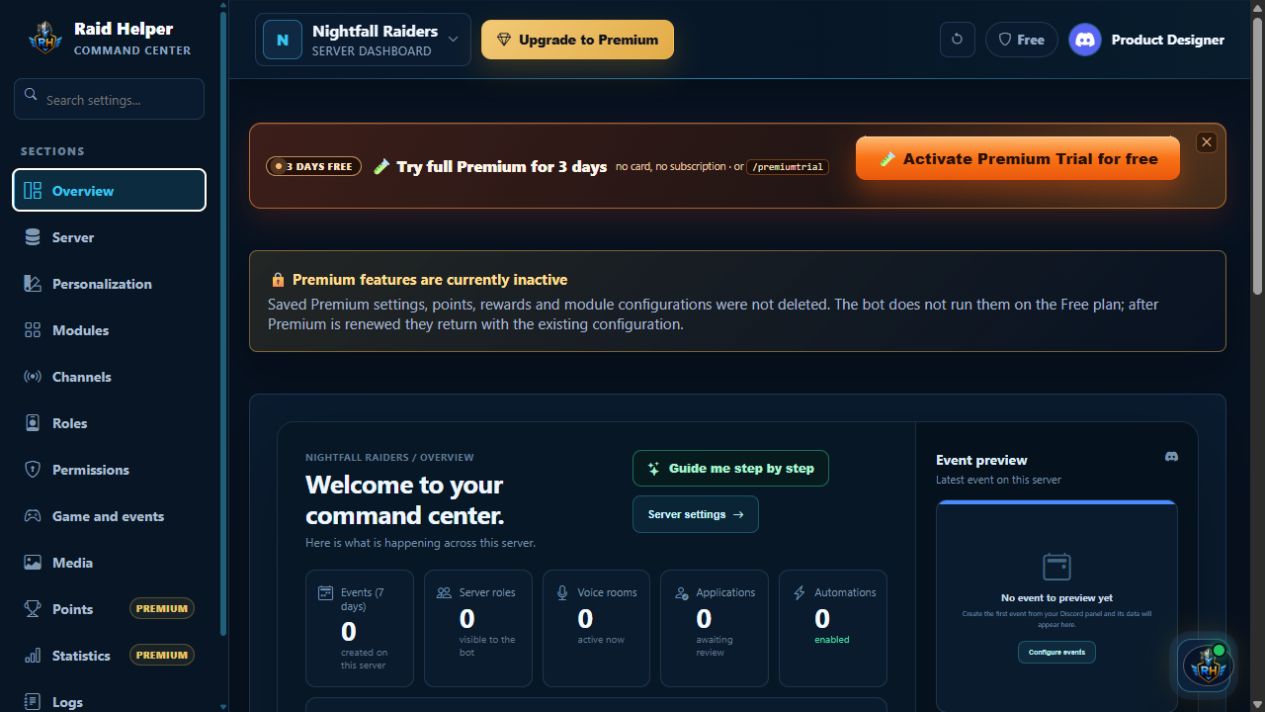
 Click to enlarge
Your server command center
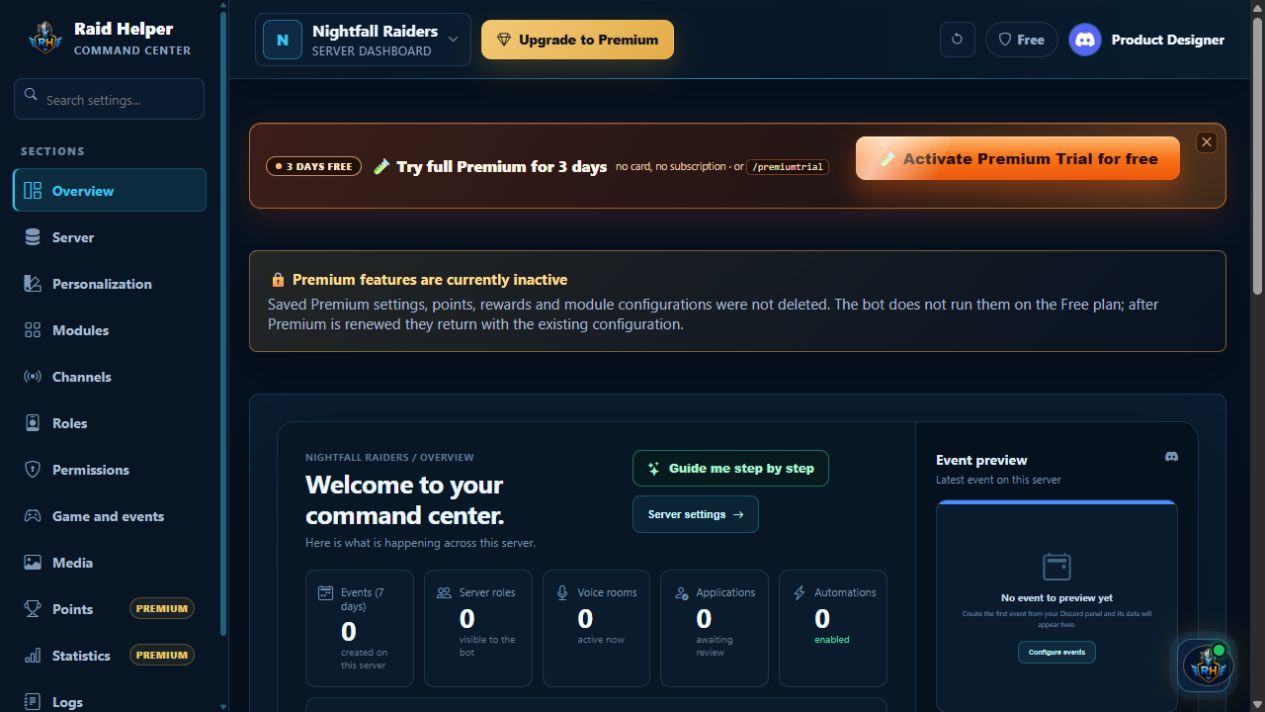
See real metrics, seven-day activity, recent events, changes and automation status—without leaving the dashboard.
 Raid Helper
Discord operations
Raid Helper
Discord operations
Below are current Command Center views—from your server command center through channels and roles to Media, statistics and Premium extras.
Each item shows a current dashboard screen and explains what that section configures. Screens use safe demo data.
Click to enlarge
See real metrics, seven-day activity, recent events, changes and automation status—without leaving the dashboard.
 Click to enlarge
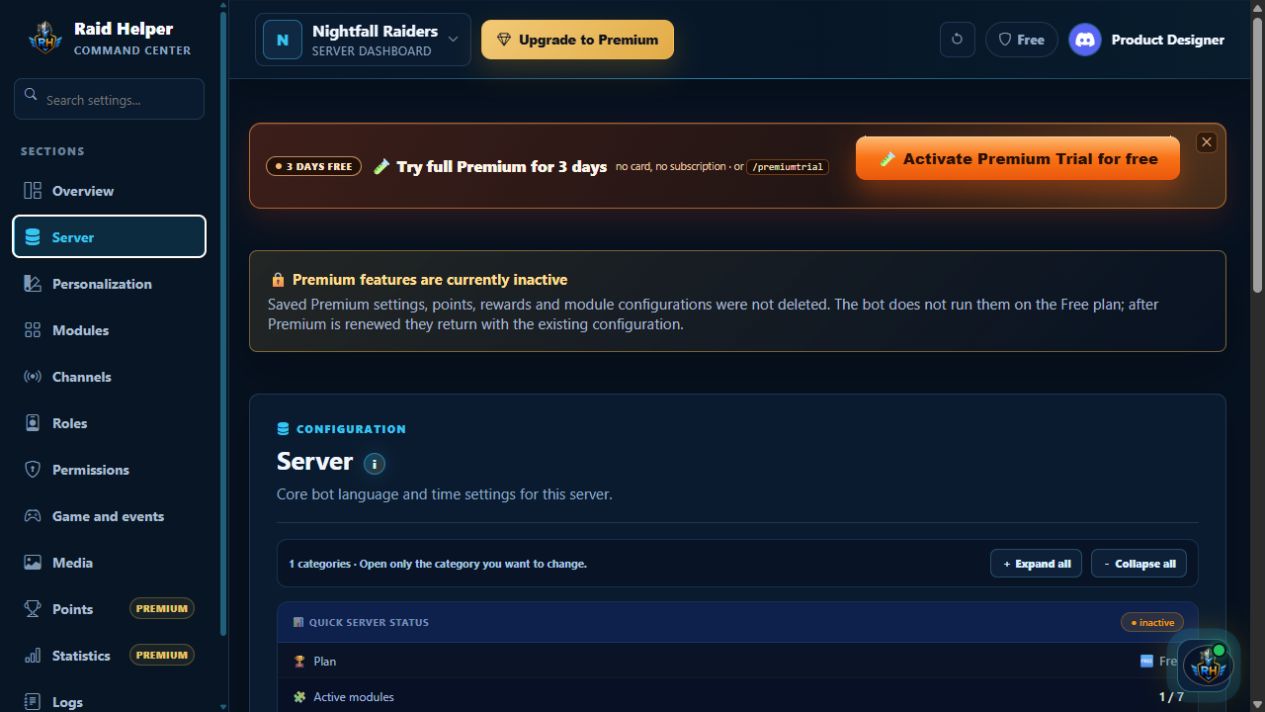
Check setup status, plan, modules and configuration; set the language and time zone, then refresh Discord panels.
 Click to enlarge
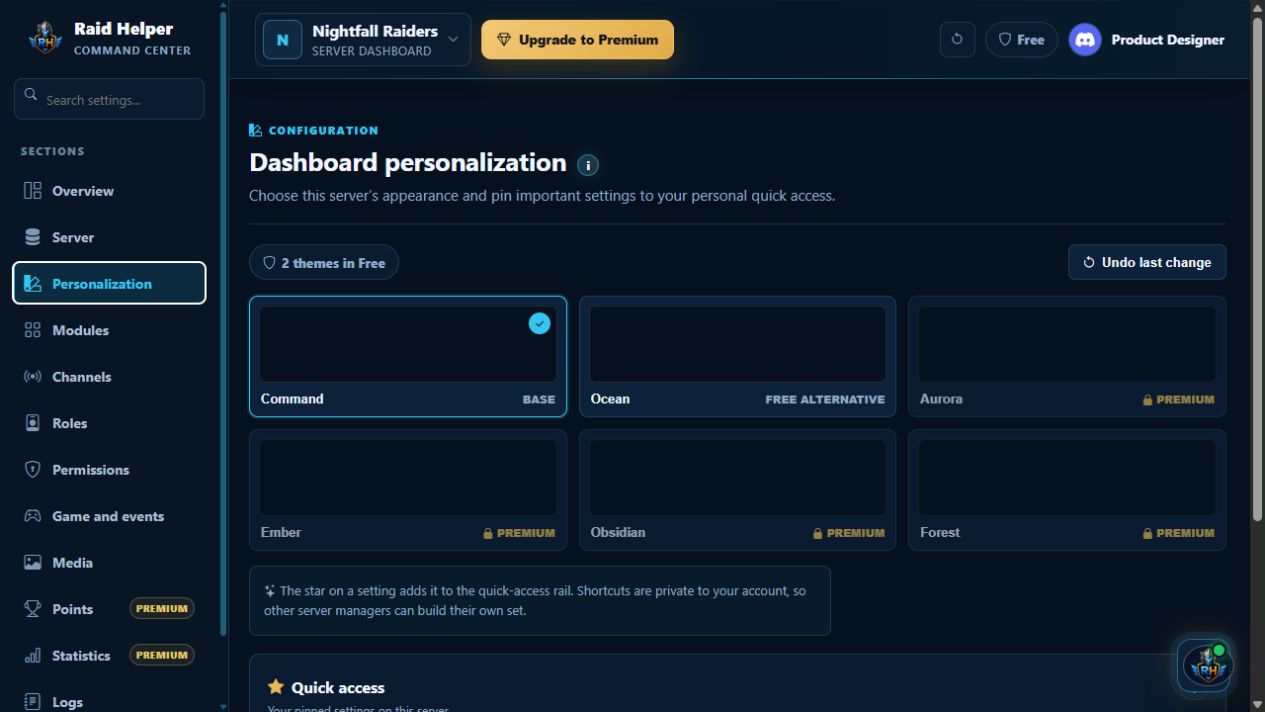
Choose a dashboard theme and pin key settings to private Quick access—each manager has their own set.
 Click to enlarge
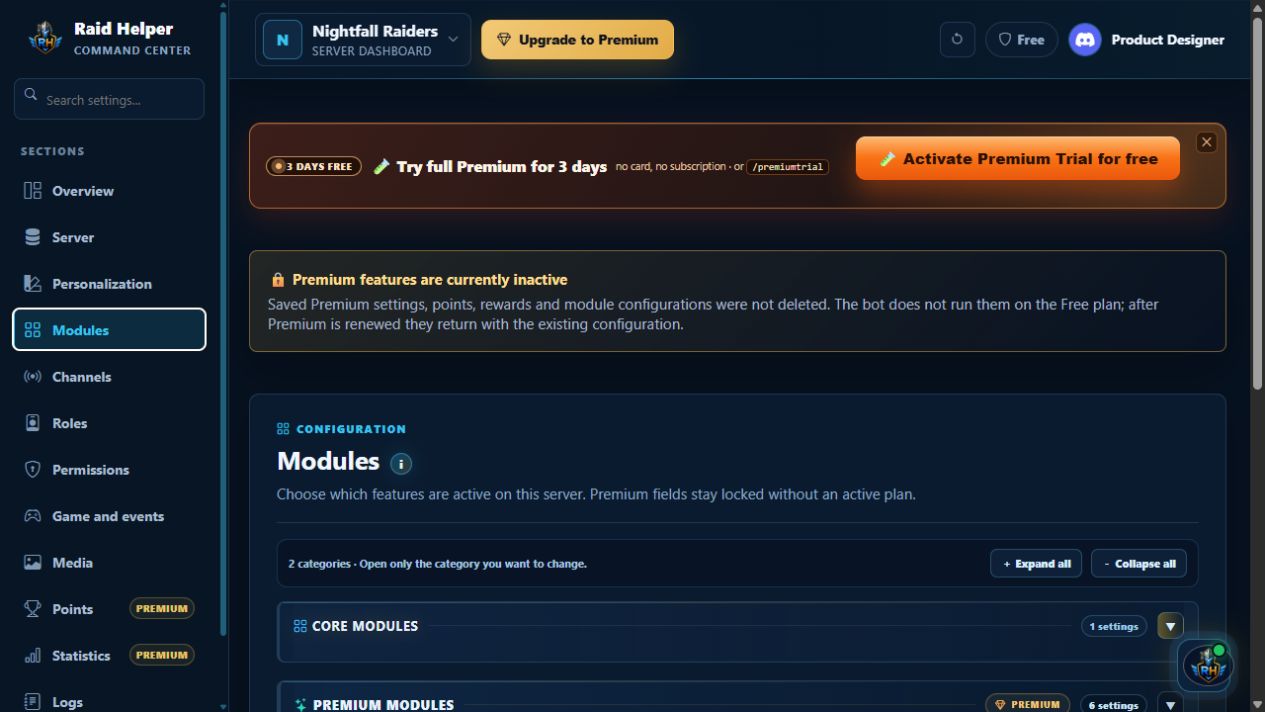
Manage core and Premium modules in one place—from events to refunds, settlements, VOD/POV, presets and automation.
 Click to enlarge
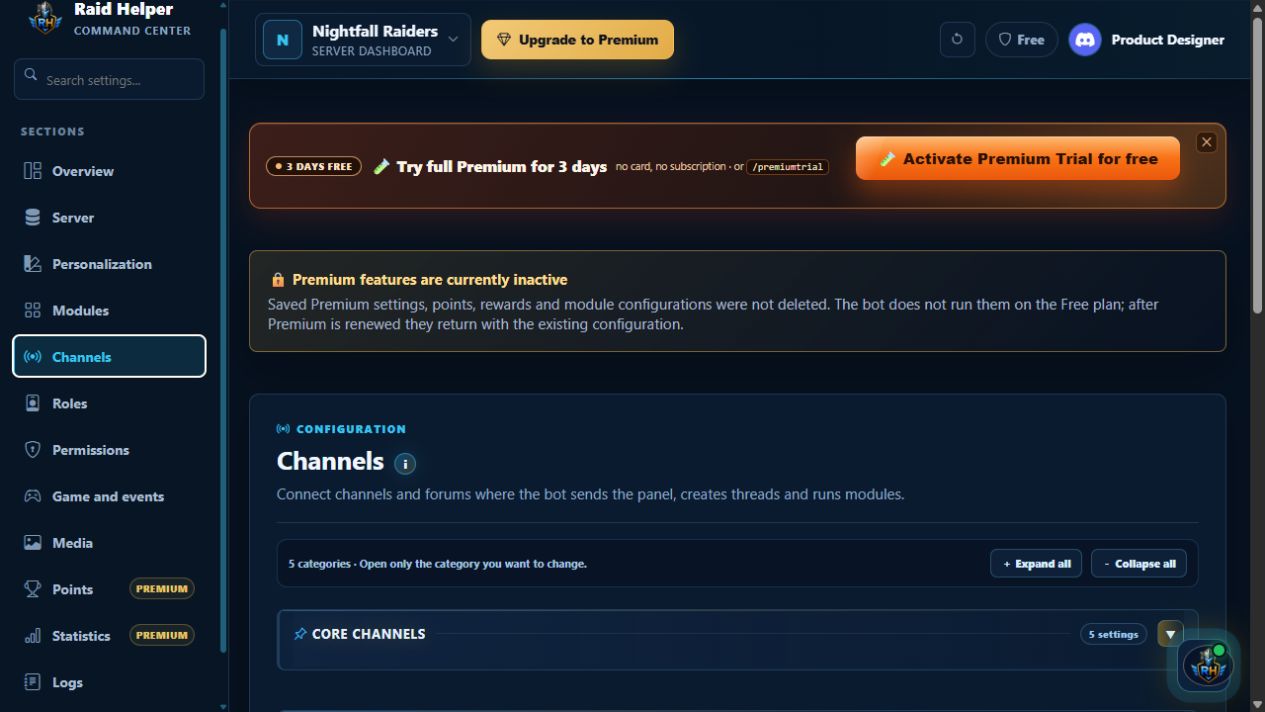
Connect panels, event forums, voice and module channels so the bot knows where to post, create threads and run selected workflows.
 Click to enlarge
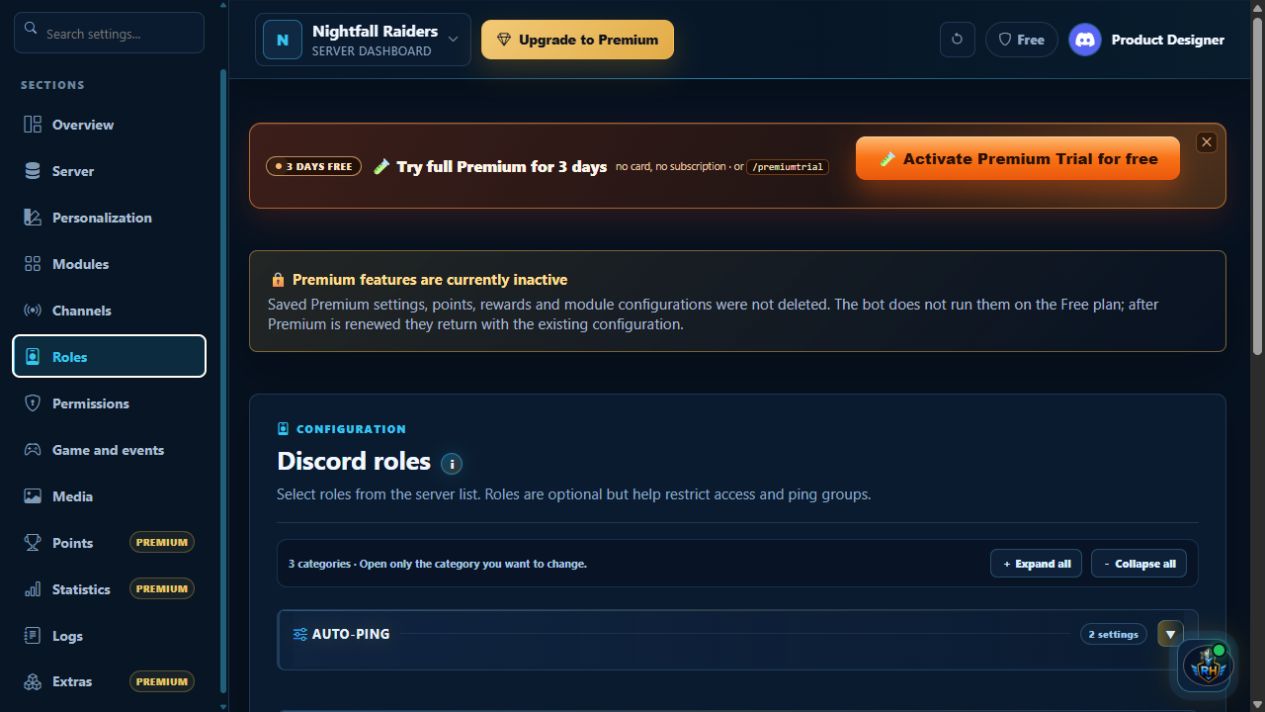
Set auto-pings and staff, creator, reviewer and player roles so signups and event access reach the right people.
 Click to enlarge
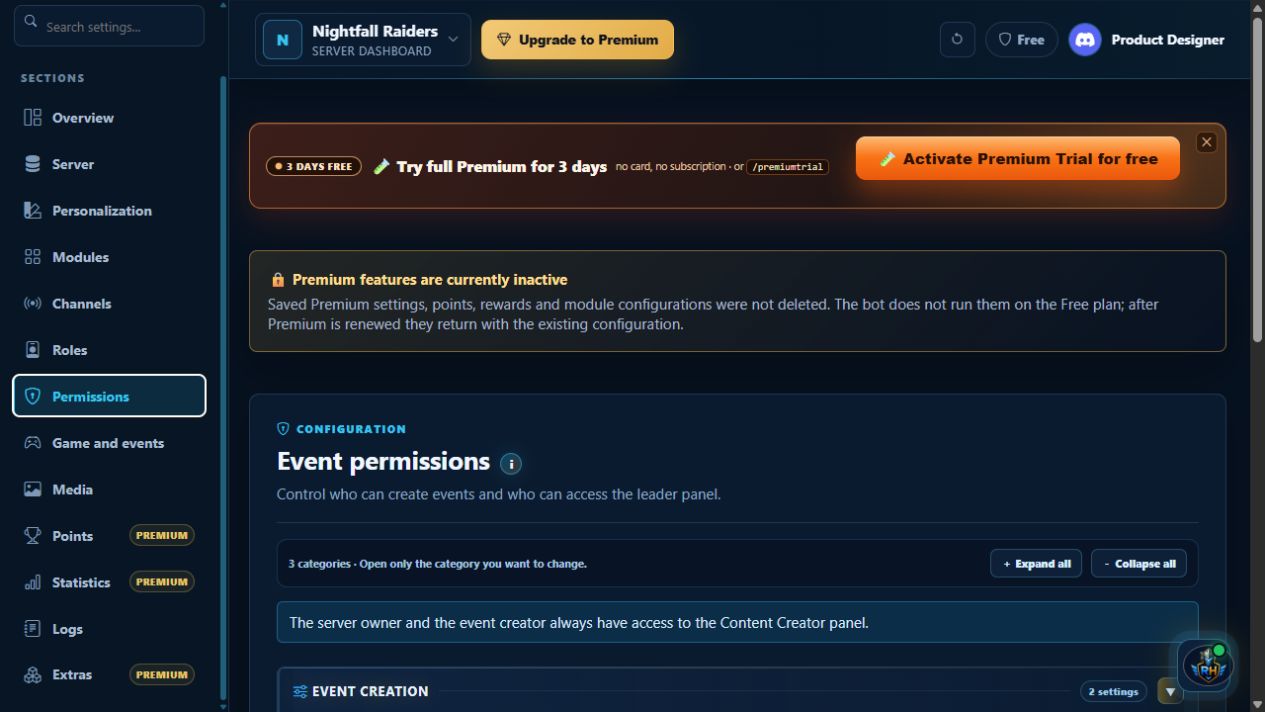
Decide who creates events and opens the Content Creator panel; assign roles or individual users while the owner and creator retain access.
 Click to enlarge
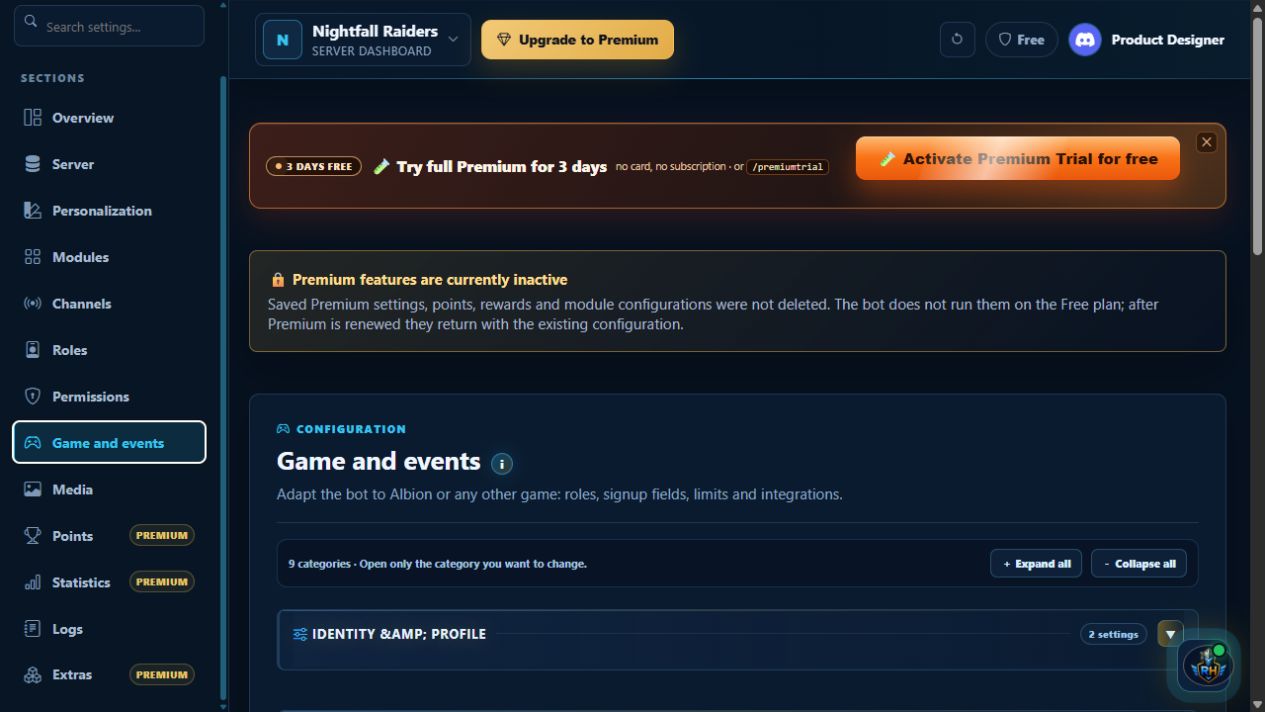
Name your community, choose a game profile and refine event setup: roster roles, slots, signup rules and reminders.
 Click to enlarge
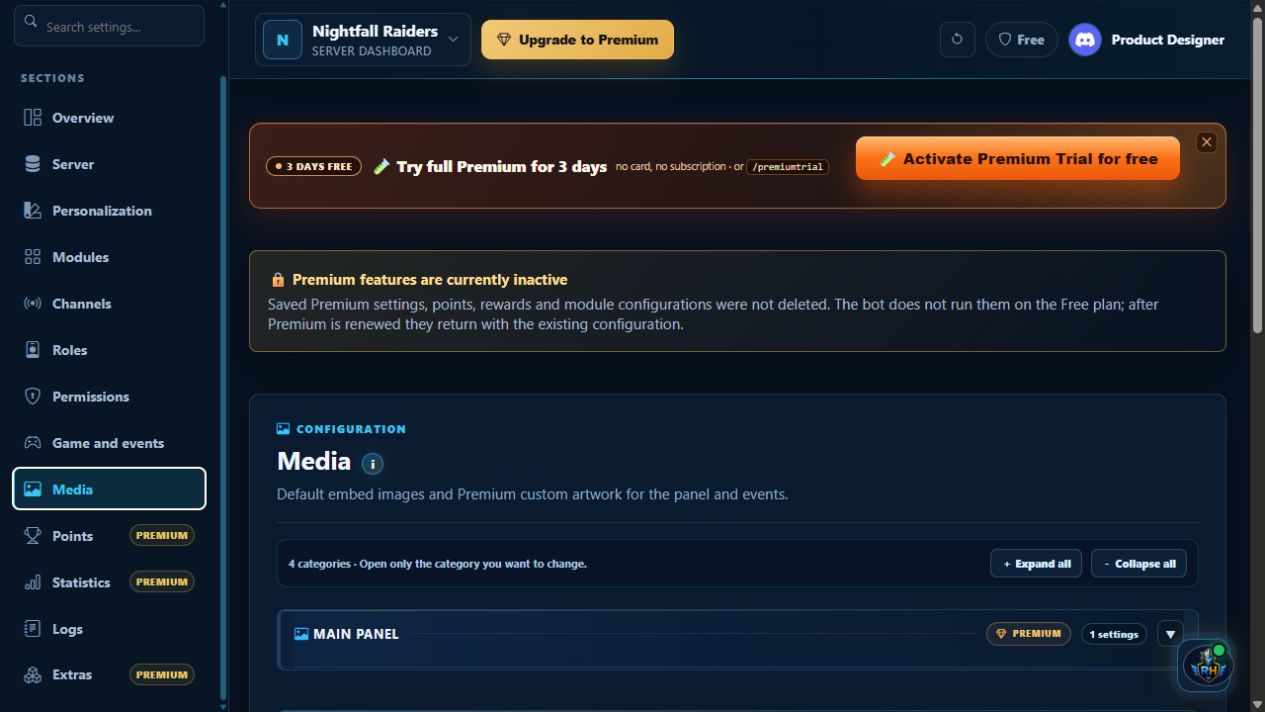
Use default artwork or, with Premium, add custom images to panels and embeds—including events, refunds, settlements, VOD/POV and points.
 Click to enlarge
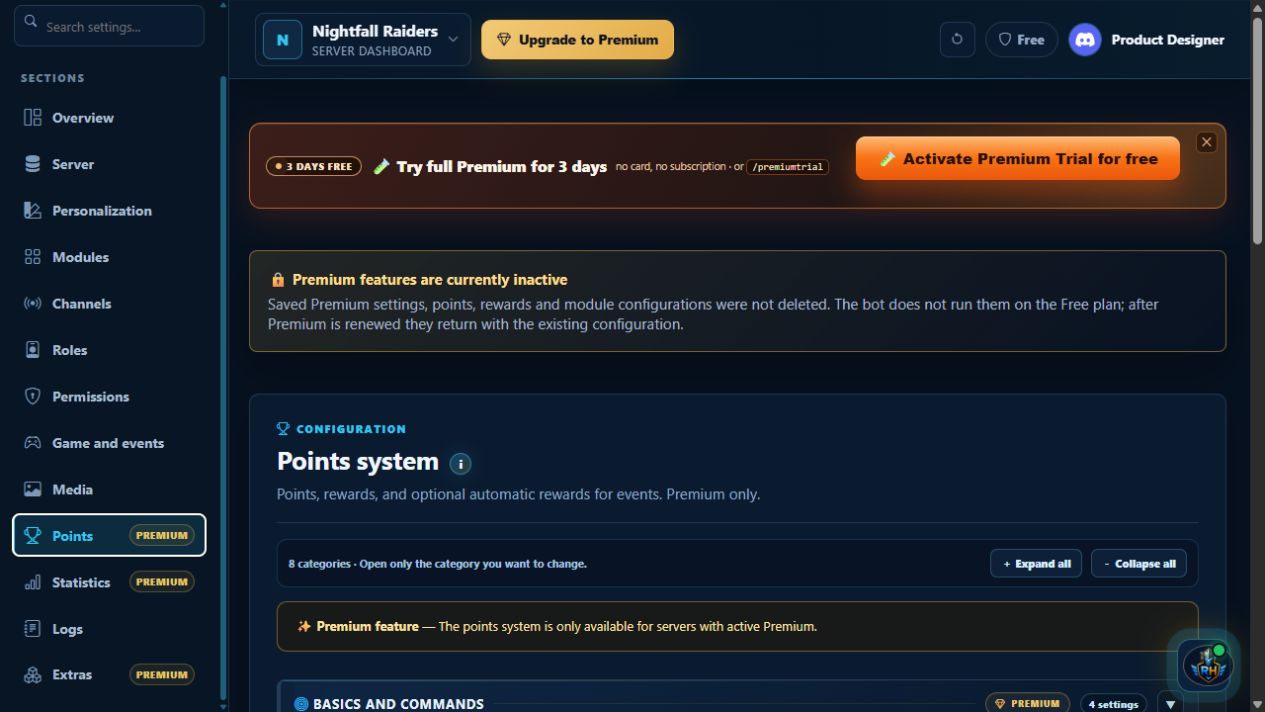
Award points for creating and joining events, set bonuses and rewards, and refresh the community panel. Premium feature.
 Click to enlarge
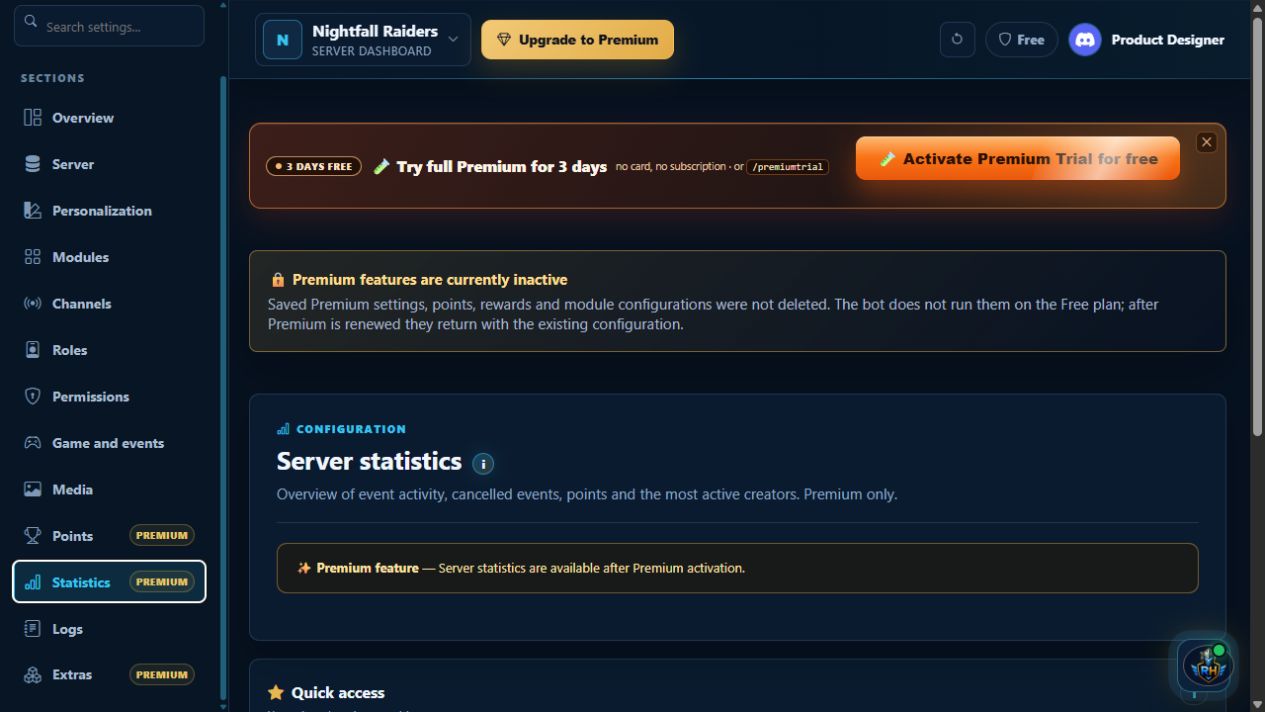
Track event activity, attendance, creators, points, recent content and voice statistics for a chosen period. Available with Premium.
 Click to enlarge
See who changed configuration or triggered a bot action, and when. The audit log makes server changes easy to trace.
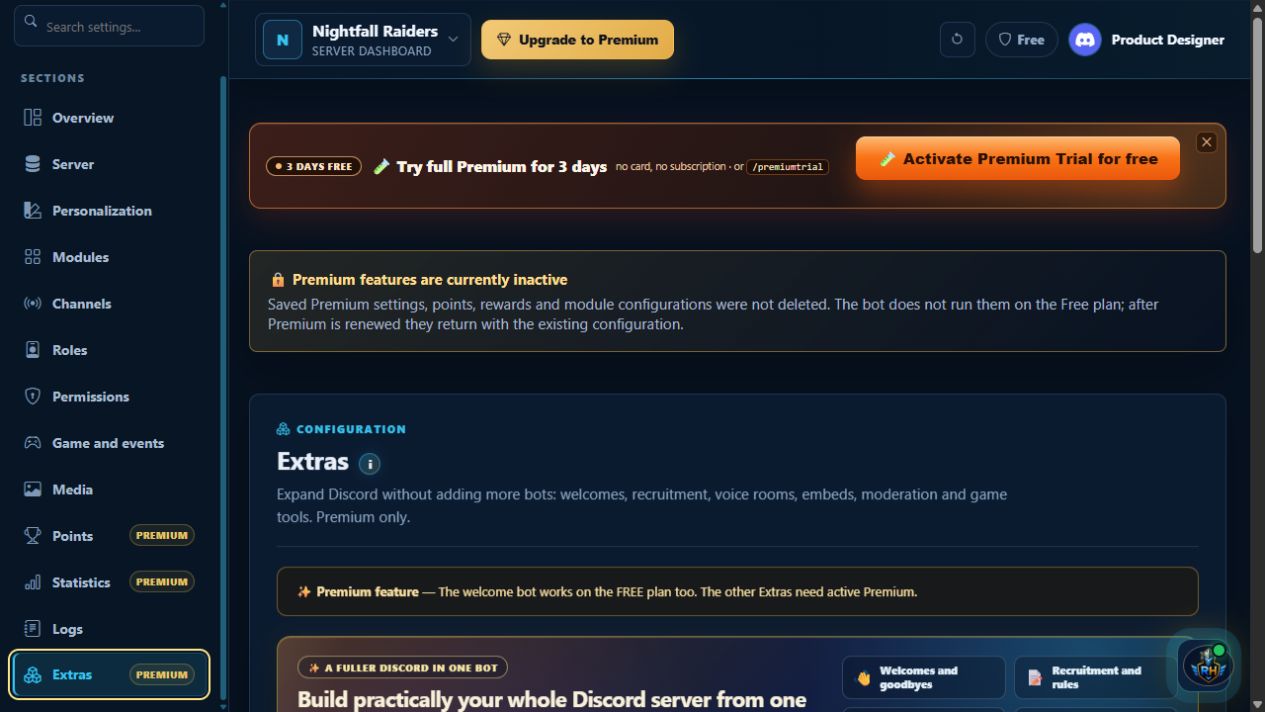 Click to enlarge
Expand your server with welcomes, recruitment, absences, private voice, moderation, embeds and game roles—in one console. Selected extras require Premium.

Premium
Choose how to purchase. In either case, Premium is assigned to the selected server after payment confirmation.
Stripe monthly is a subscription; all other packages are one-time payments. Terms · Privacy · Refunds & complaints