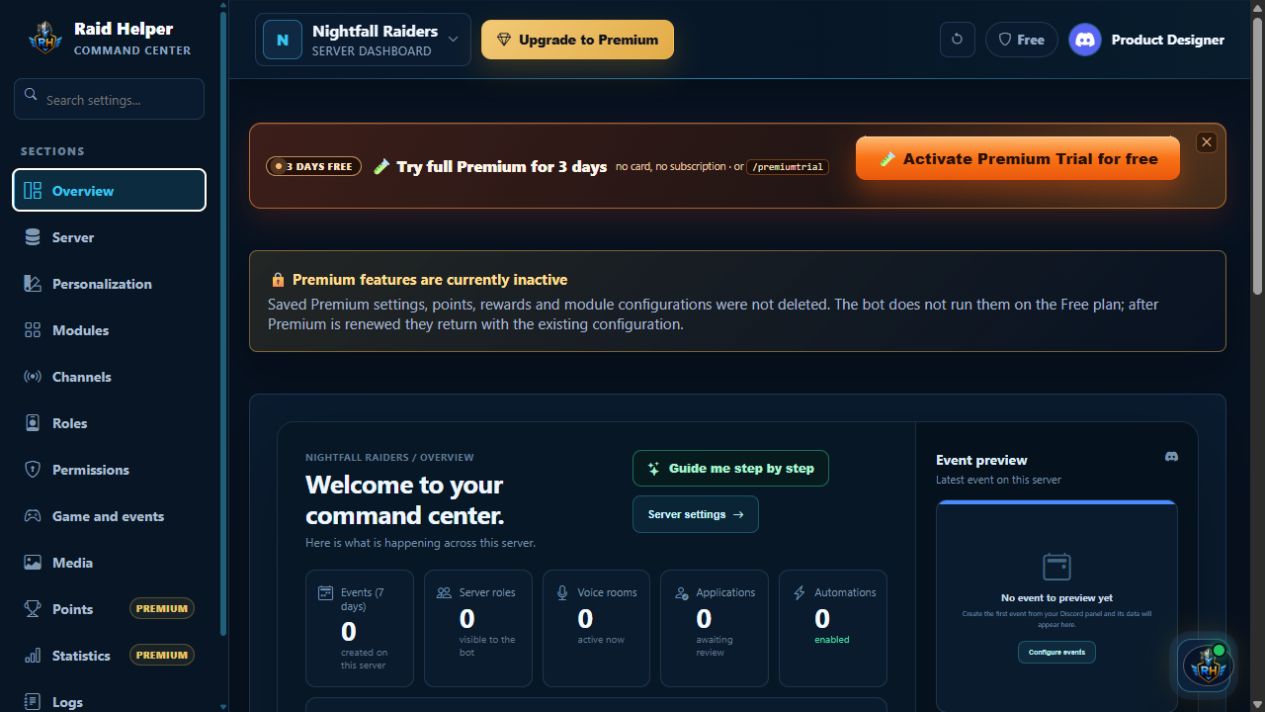
 Click to enlarge
Le centre de commande de votre serveur
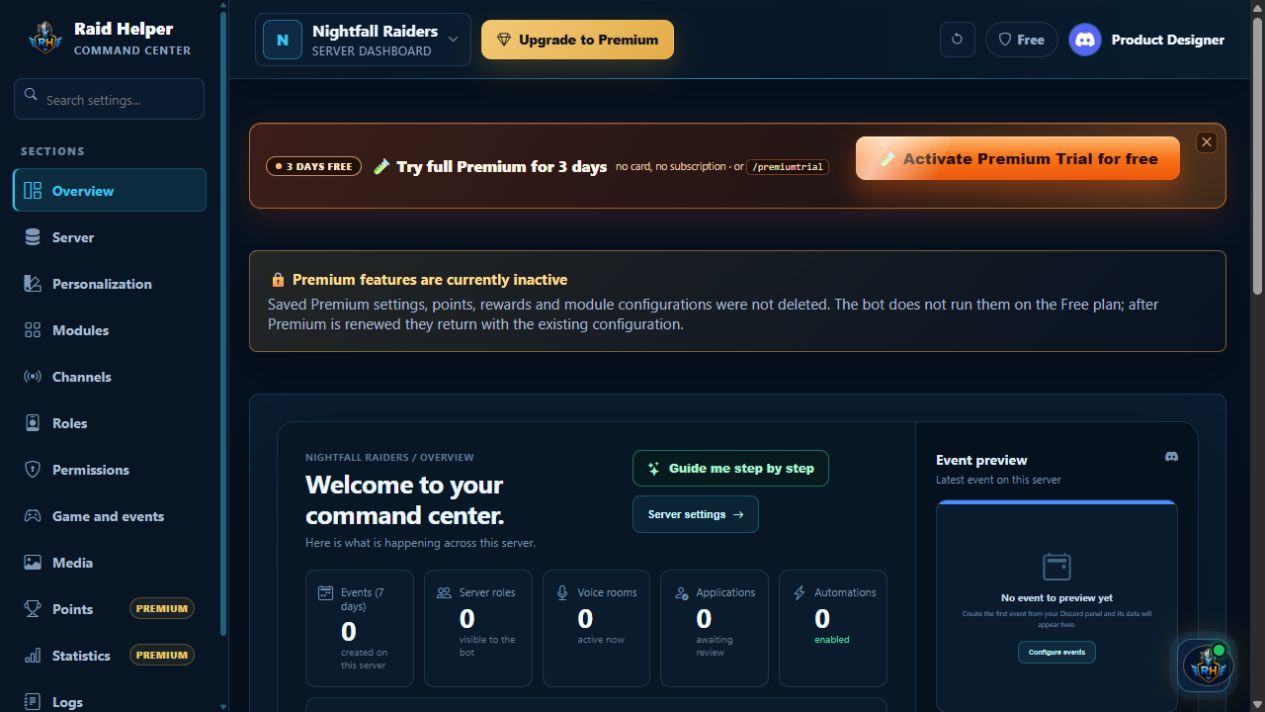
Consultez les données réelles, l’activité des sept derniers jours, les événements, les changements et l’état des automatisations.
 Raid Helper
Opérations Discord
Raid Helper
Opérations Discord
Vous trouverez ci-dessous les vues actuelles du Command Center : centre du serveur, salons, rôles, médias, statistiques et extras Premium.
Chaque élément montre un écran actuel du tableau de bord et explique ce qui s’y configure. Les captures utilisent des données de démonstration sûres.
Click to enlarge
Consultez les données réelles, l’activité des sept derniers jours, les événements, les changements et l’état des automatisations.
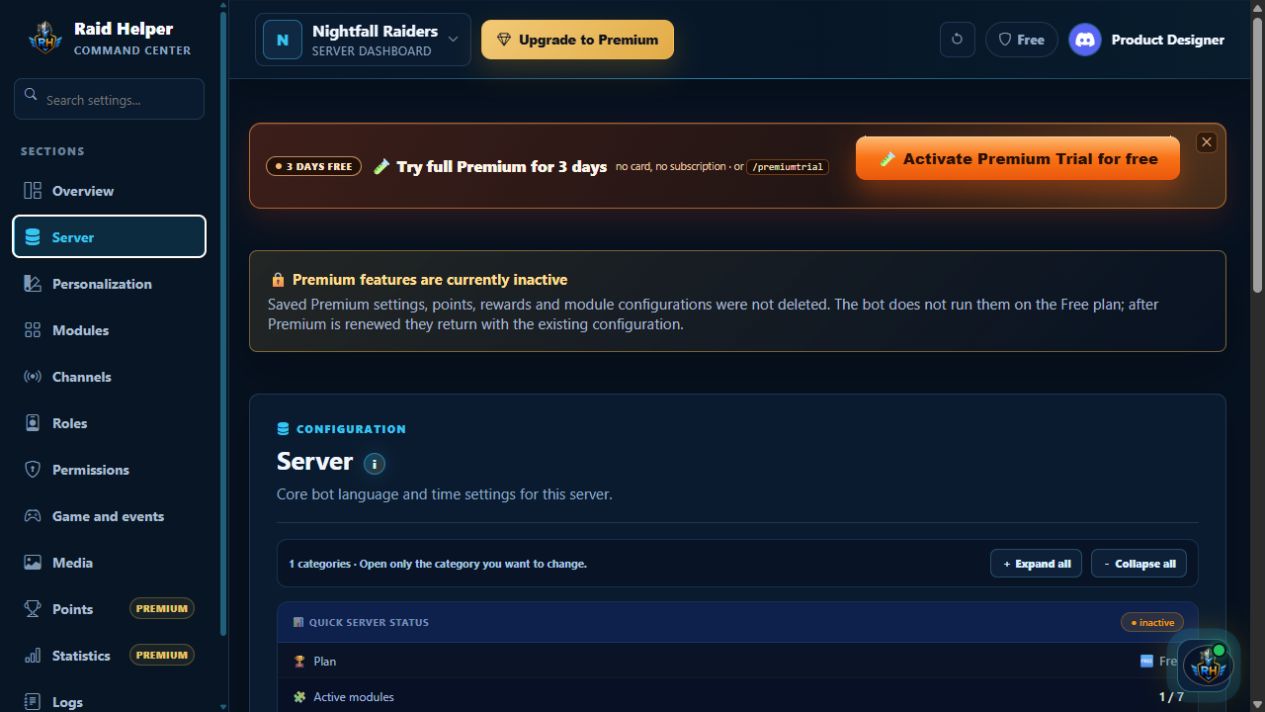 Click to enlarge
Vérifiez l’état, le plan, les modules et la configuration ; définissez la langue et le fuseau horaire, puis actualisez les panneaux Discord.
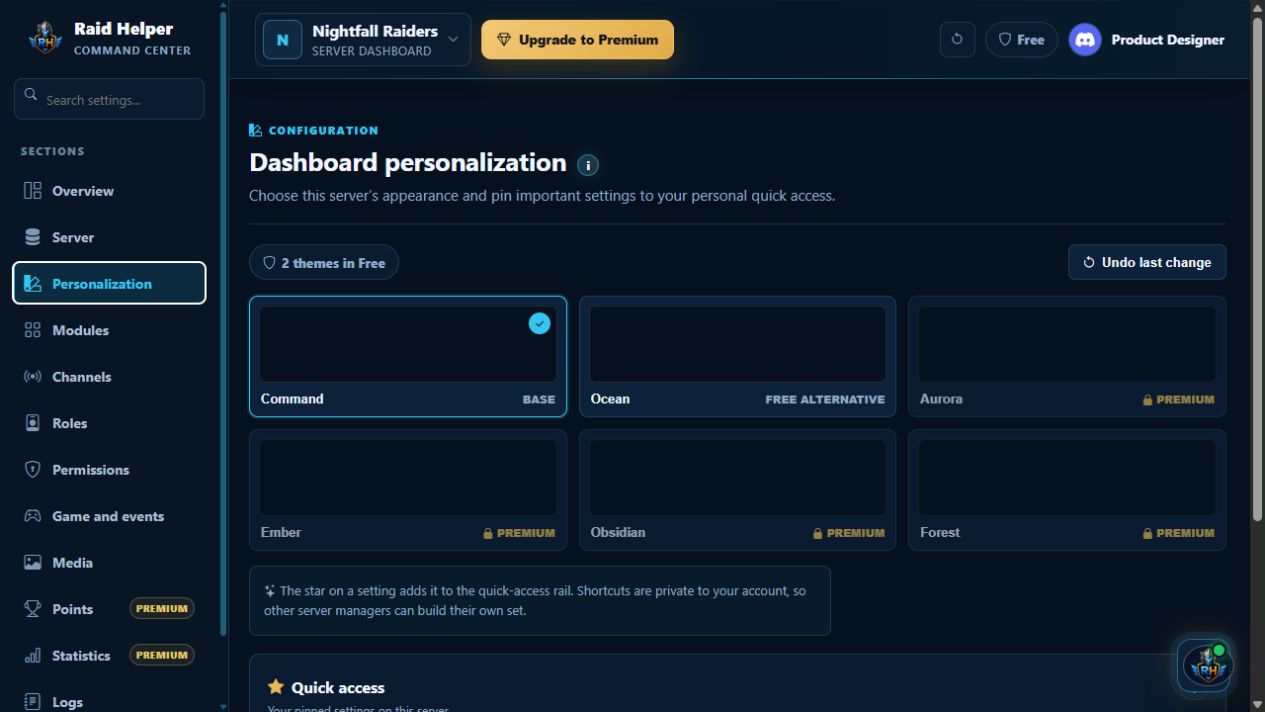 Click to enlarge
Choisissez un thème et épinglez les réglages clés dans votre accès rapide privé : chaque responsable a son propre ensemble.
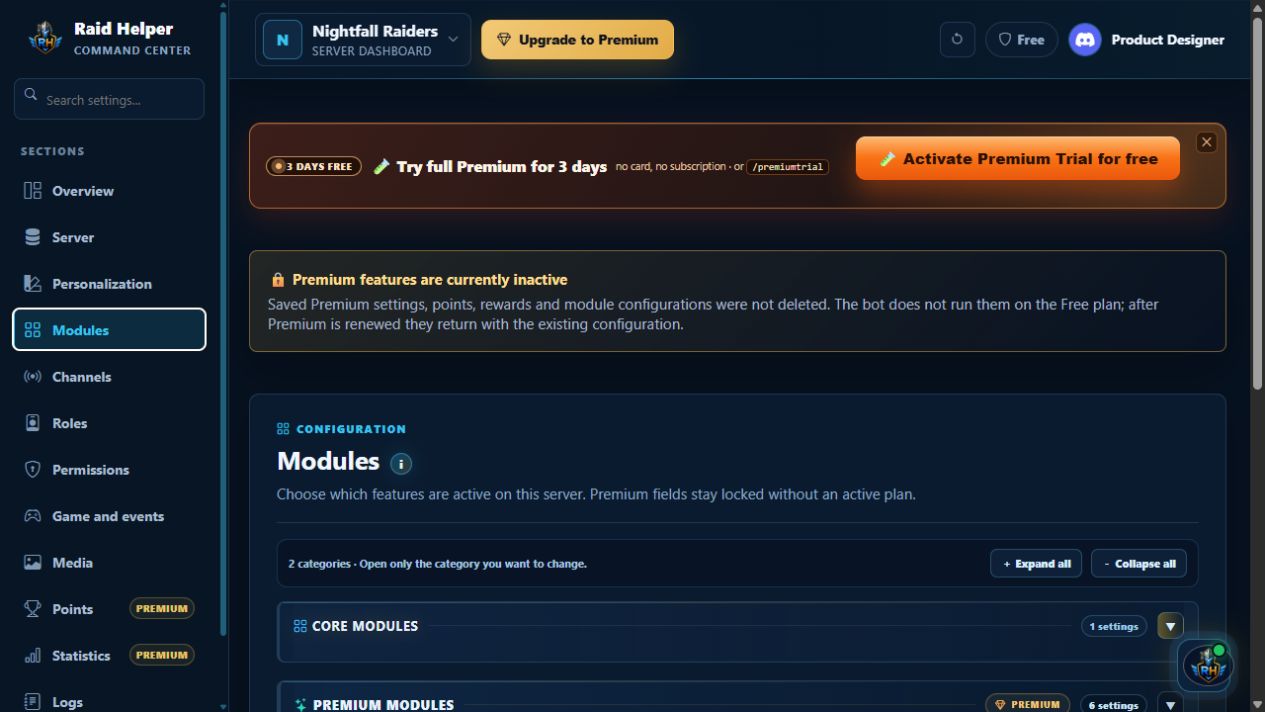 Click to enlarge
Gérez les modules de base et Premium au même endroit : événements, remboursements, répartitions, VOD/POV, préréglages et automatisations.
 Click to enlarge
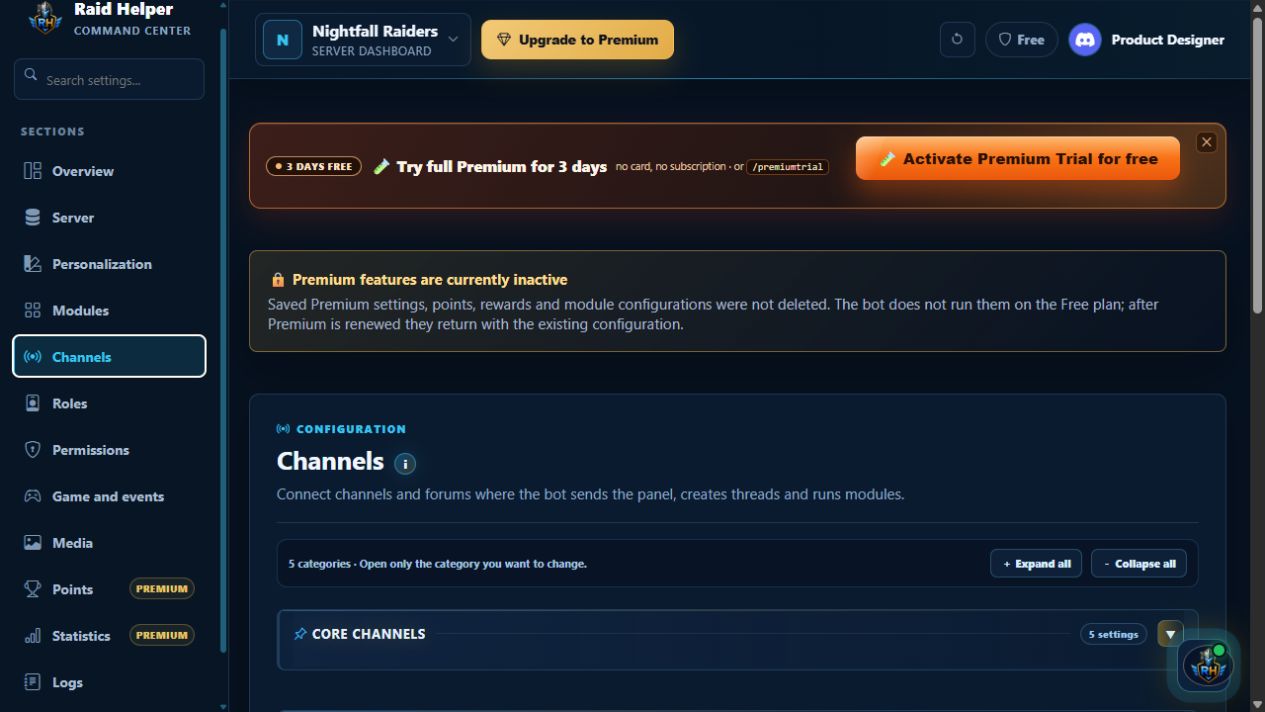
Reliez panneaux, forums d’événements, salons vocaux et modules afin que le bot sache où publier, créer des fils et exécuter les flux.
 Click to enlarge
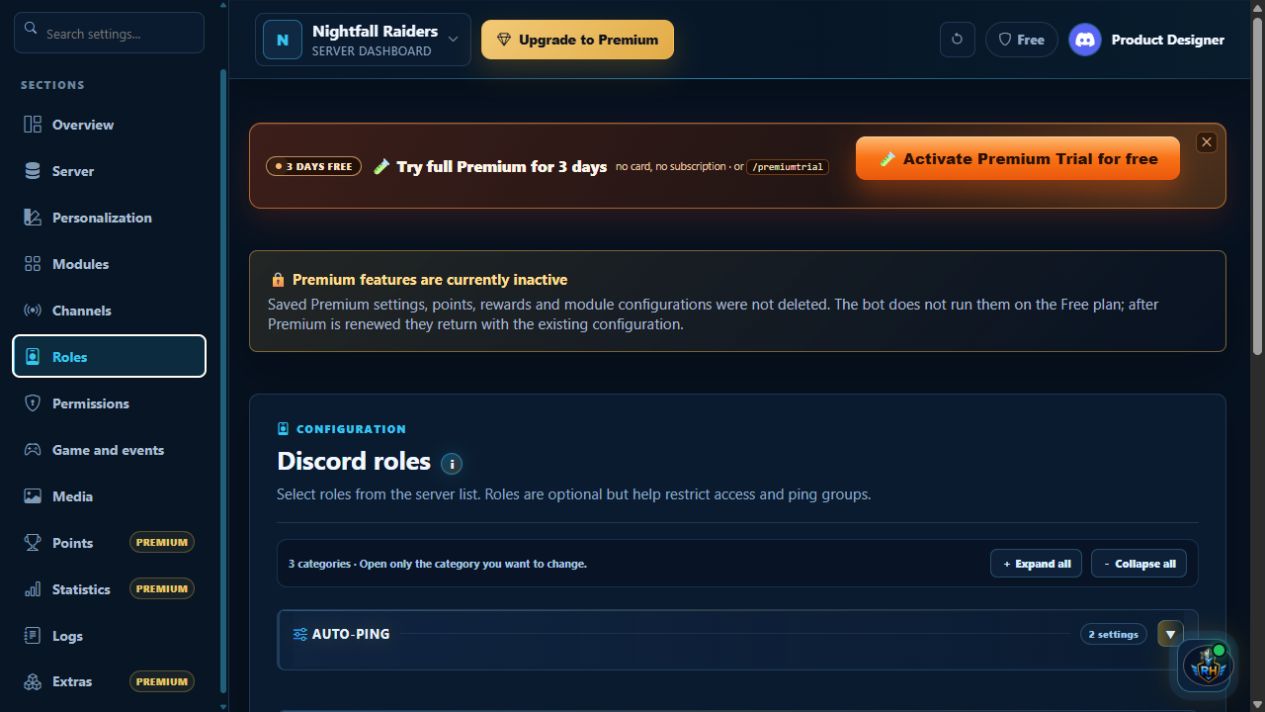
Définissez les auto-mentions et les rôles de staff, créateurs, reviewers et joueurs pour que les inscriptions et accès arrivent aux bonnes personnes.
 Click to enlarge
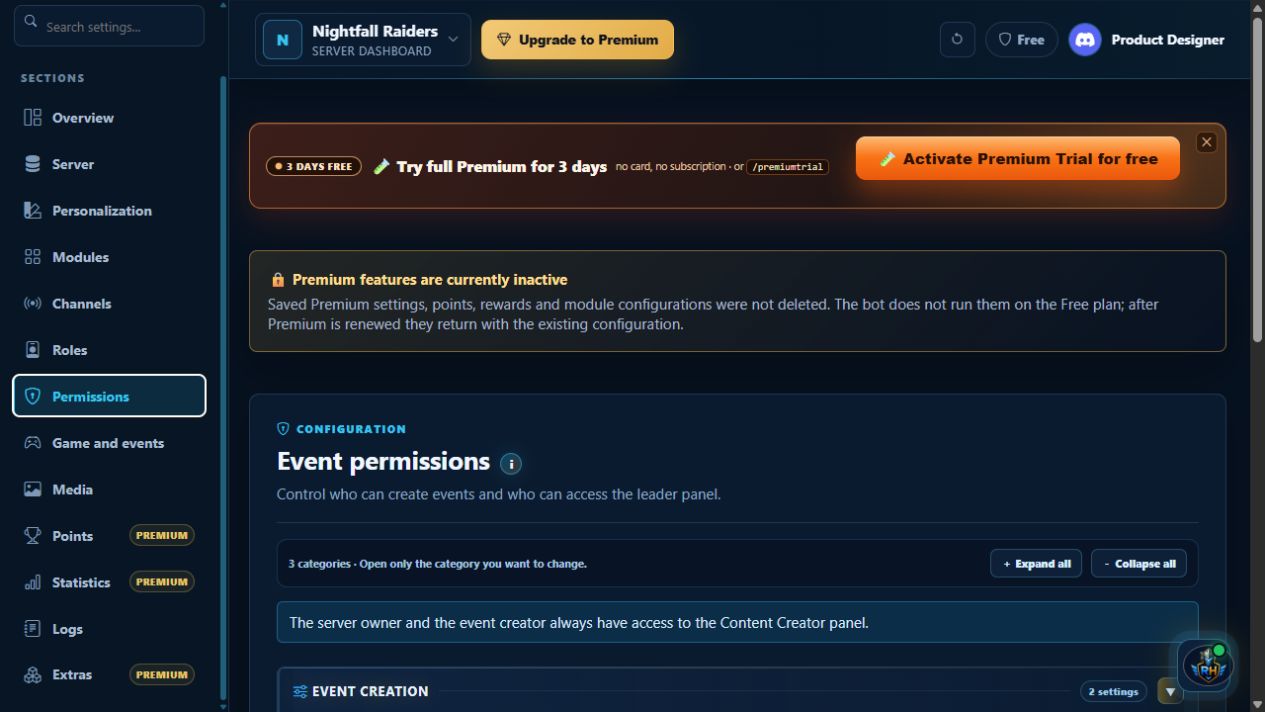
Décidez qui crée les événements et ouvre le panneau Content Creator ; attribuez rôles ou utilisateurs sans retirer l’accès au propriétaire ni au créateur.
 Click to enlarge
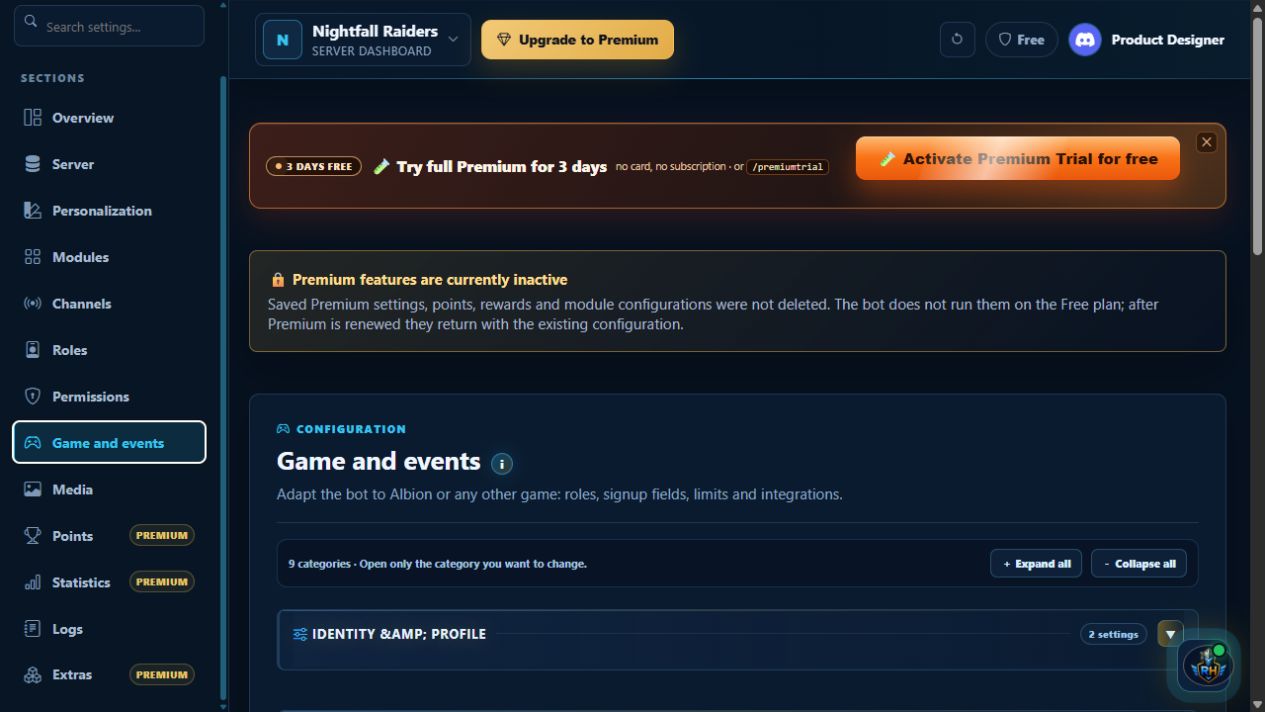
Nommez votre communauté, choisissez un profil de jeu et ajustez les événements : rôles d’équipe, places, règles d’inscription et rappels.
 Click to enlarge
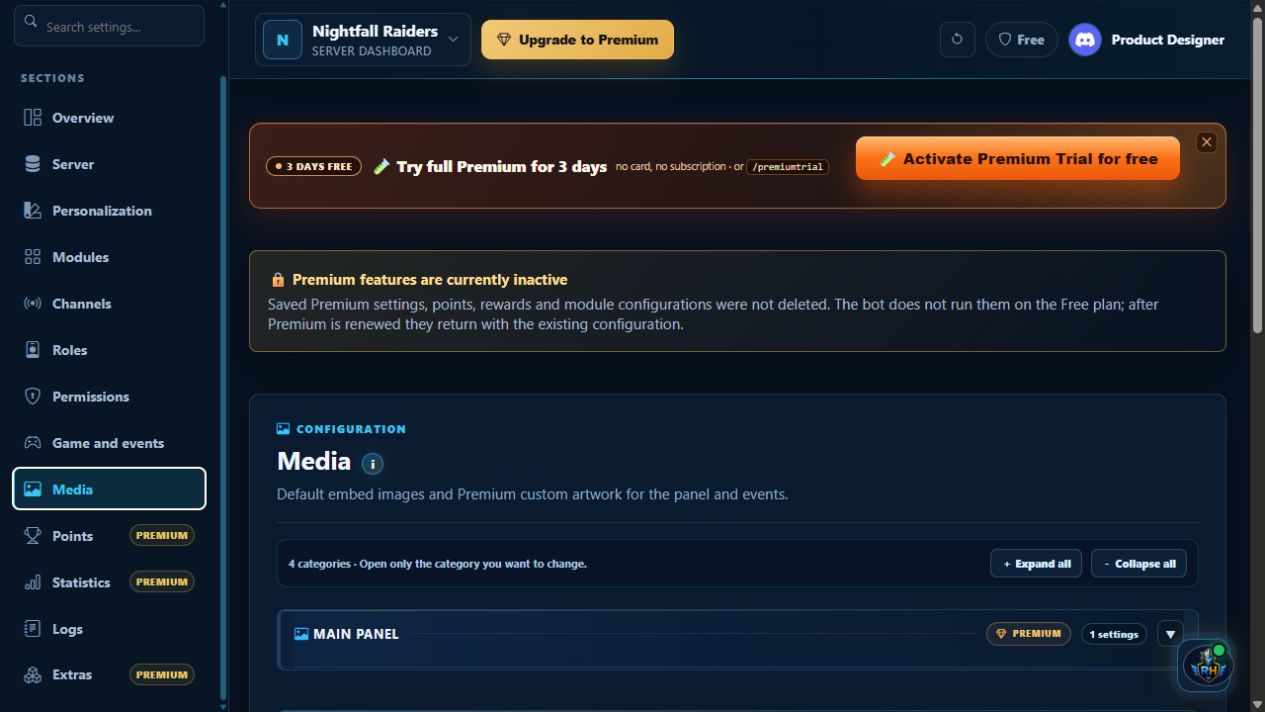
Utilisez les visuels par défaut ou, avec Premium, ajoutez vos images aux panneaux et embeds : événements, remboursements, répartitions, VOD/POV et points.
 Click to enlarge
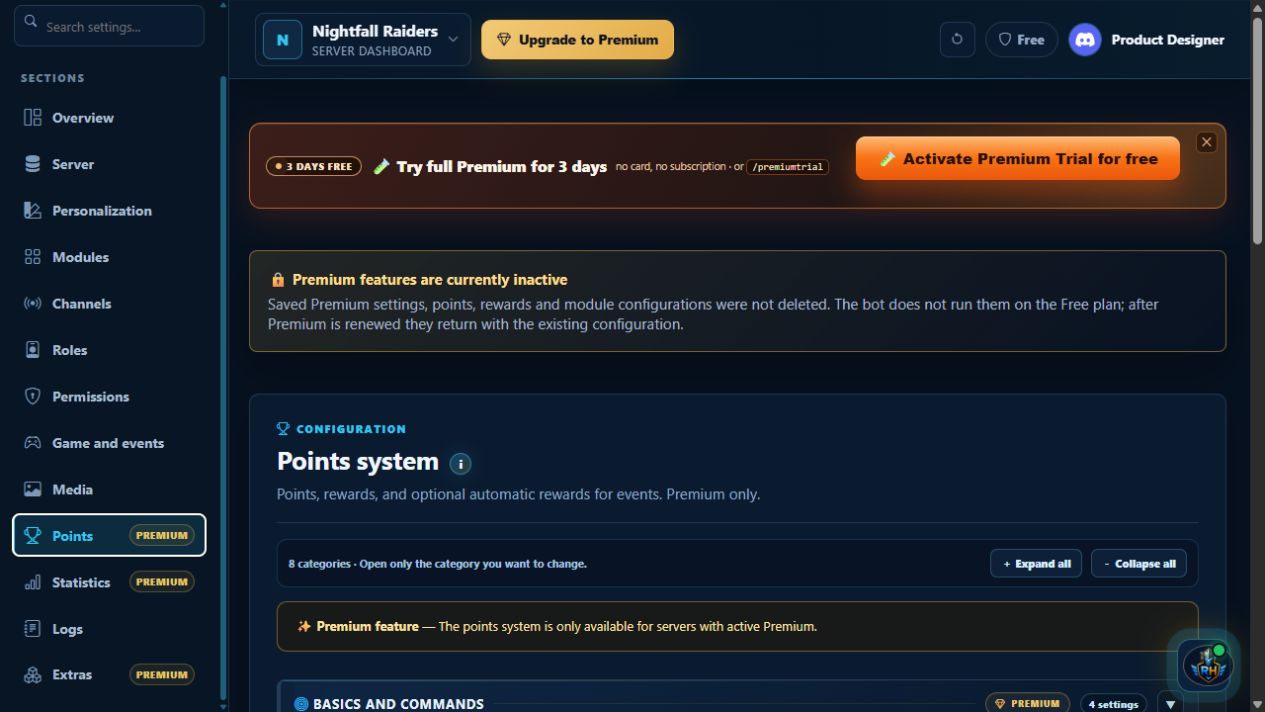
Attribuez des points pour la création et la participation aux événements, définissez bonus et récompenses, puis actualisez le panneau de communauté. Fonction Premium.
 Click to enlarge
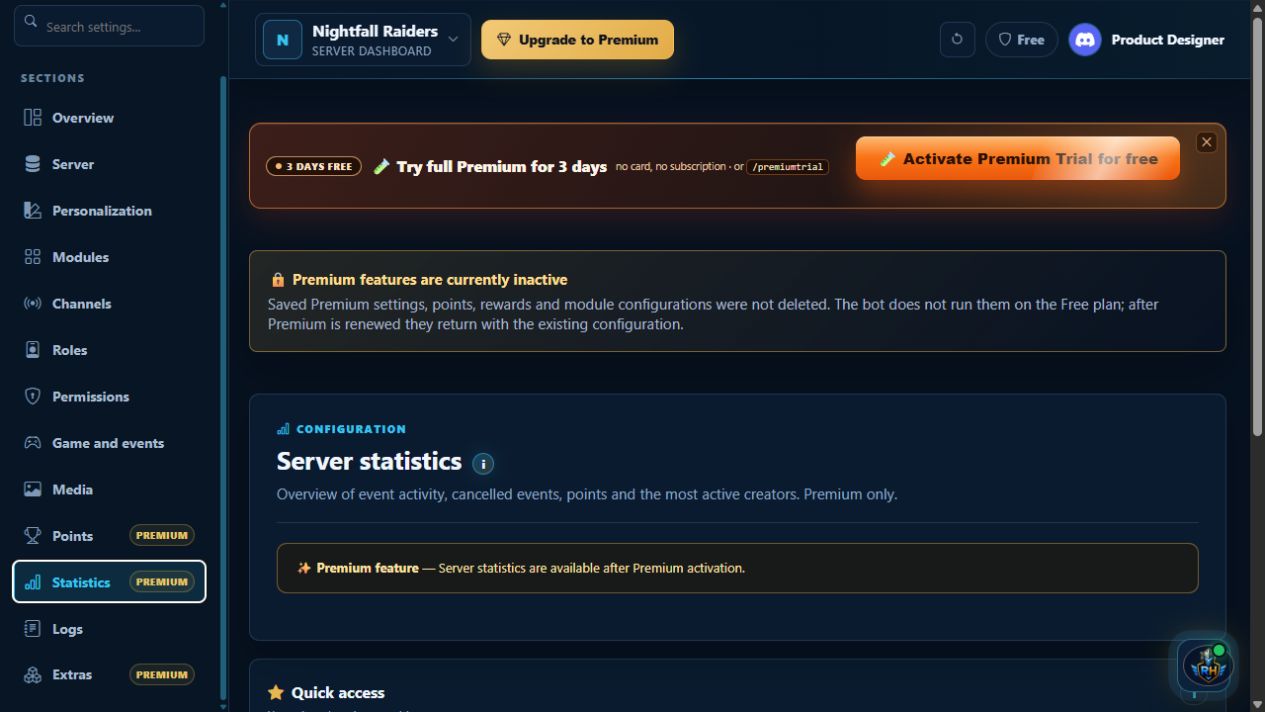
Suivez l’activité des événements, la participation, les créateurs, les points, les contenus récents et les statistiques vocales sur la période choisie. Disponible avec Premium.
 Click to enlarge
Voyez qui a modifié la configuration ou lancé une action du bot, et quand. Le journal d’audit facilite le suivi des changements.
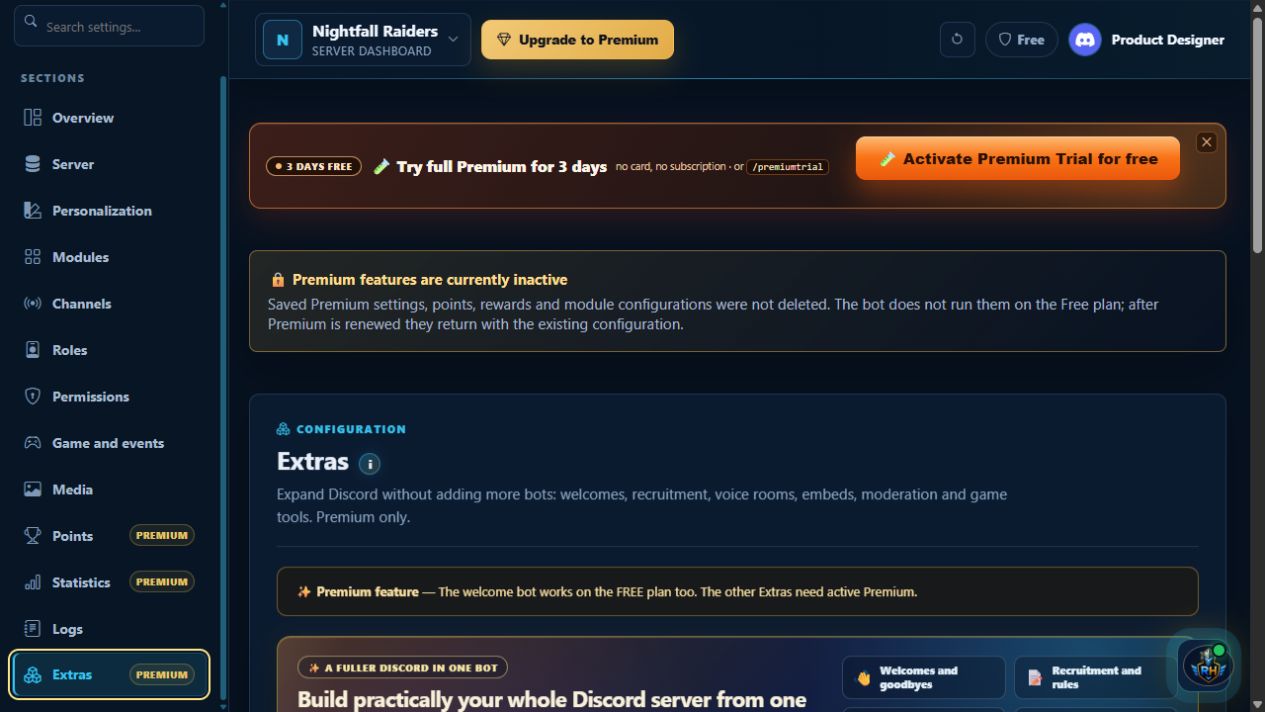 Click to enlarge
Étendez votre serveur avec accueils, recrutement, absences, salons vocaux privés, modération, embeds et rôles de jeu, dans une seule console. Certains extras exigent Premium.

Premium
Choisissez votre parcours d’achat. Dans les deux cas, Premium sera attribué au serveur sélectionné après confirmation du paiement.
Le forfait mensuel Stripe est un abonnement ; les autres sont des paiements uniques. Conditions · Confidentialité · Remboursements et réclamations